Rockwell Automation
2021
Pharmasuite
Modernizing Enterprise Manufacturing for the best user experience

Overview
Pharmaceutical application
FactoryTalk® PharmaSuite® is a leading Manufacturing Execution System (MES) designed specifically for pharmaceutical and biopharmaceutical manufacturing, integrating seamlessly from enterprise systems to the shop floor.
Problems
Understanding key ux problems
Rockwell Automation Pharmasuite needed a UI refresh with getting rid of old technical limitations, making the experience better and more flexible. They needed a modern design solution that is efficient and has a boost in the performance
A legacy Java Swing desktop architecture limited modern UI capabilities, requiring a usability-focused refresh that improved clarity while preserving native stability and performance.
PPE and protective gear limit users’ precision and visibility, demanding a highly accessible, clear, and error-tolerant interface.
The application needed to deliver a consistent, usable experience across multiple device types and screen resolutions—including tablets, HD, and 4K displays—without compromising readability, layout integrity, or performance within a legacy desktop architecture.
Designing for multi-language support required accommodating text expansion, character density, and readability differences—using German as the benchmark to ensure scalable layouts across all supported languages.
Research
Heuristic Evaluation
Heuristic Evaluation
This UX Review will help define the core UX problems in the Pharma Suite (PS), which if tackled, can increase the usability of your product and address your user’s objectives.
We performed a depth usability analysis of Pharma Suite, identified usability issues based on usability best practices and heuristics.
This analysis covers the existing usability issues, observations from the PS demo sessions on the few key workflows, and arriving at the diagnosis and with it the recommendations for the redesign of Pharma Suite.
Partial Disability Consideration
When users are working with protective gear—like PPE kits, gloves, or wearable glasses—it creates constraints similar to a temporary disability. They become more dependent on the external environment to perform tasks. In these situations, we need to think beyond normal design considerations and pay attention to things like visual clarity, tap-friendly areas, hotkey accessibility, readability, and how well the content adapts to different environments.
Technical Constrains
The product was built using Java Swing, a desktop-based framework with limited support for modern UI patterns. Rather than forcing web design conventions, I adapted the experience to native platform capabilities, prioritizing usability, performance, and consistency. The application also needed to support tablets, HD monitors, and 4K displays used across manufacturing environments by operators, supervisors, and QA teams wearing PPE. This required a responsive, resolution-aware design approach that ensured readability, touch-friendly interactions, and a consistent experience across devices.
User journey mapping

Design system
Defining design system based on unique users
We had to define a design system from scratch since the app, being a legacy product, only had company brand guidelines but no structured design framework. Unlike standard web applications, this software was built on older technology (Java Swing), which came with limitations similar to bootstrap-like systems. Because of this, we had to keep the system lean—focusing on essentials like font sizes, color tokens, spacing, and components. We began by finalizing the foundations first before scaling it further.

Design interface
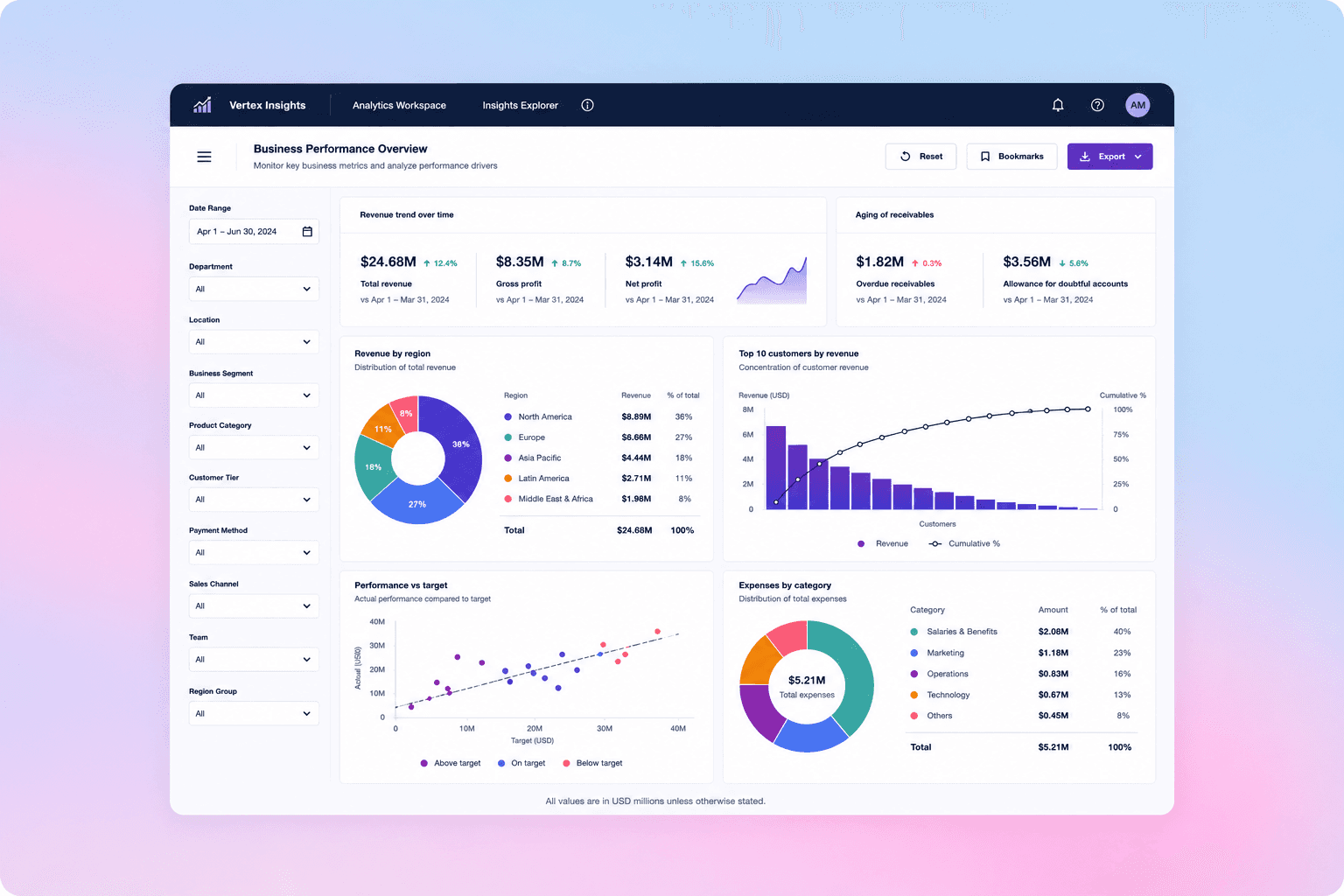
Redesigning Manufacturing Software for Greater Usability
The interface was redesigned with a strong focus on creating a seamless, end-to-end experience that supports users throughout their entire workflow—from monitoring operations to managing tasks and responding to alerts. The goal was to ensure clarity, efficiency, and consistency across complex manufacturing processes while reducing cognitive load in high-pressure environments.
Established a unified layout system with consistent navigation and interaction patterns.
Created a clear information hierarchy for faster decision-making.
Standardized components and action placements to improve usability and predictability.
Used color-coded states and scalable typography to enhance visibility and readability.